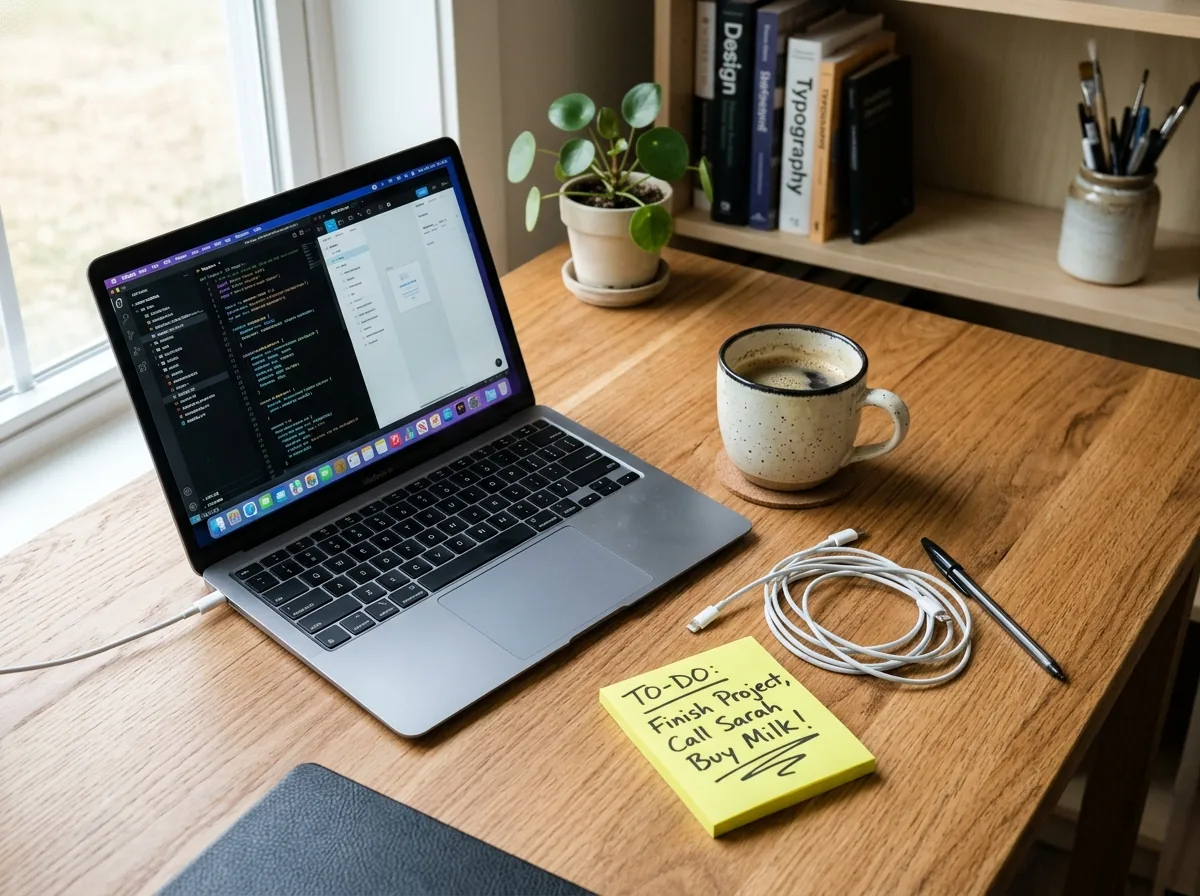
Before: Handwritten noteAfter: Continuous wood grain
Desk & Product Setup Cleanup
Remove handwritten sticky notes, stray labels, or packaging text from desk and product photography.
Erase accidental captions, distracting shop signs, or sticky-note clutter from photos you own—with zero server storage and full-resolution output.
JPG, PNG, or WebP up to 20MB. Runs 100% locally via WebGPU & WebAssembly with unlimited full-resolution exports.
Only the 2.5x context region around your brush stroke enters the 512×512 AI pass, keeping every untouched pixel at native clarity.
Remove handwritten sticky notes, stray labels, or packaging text from desk and product photography.
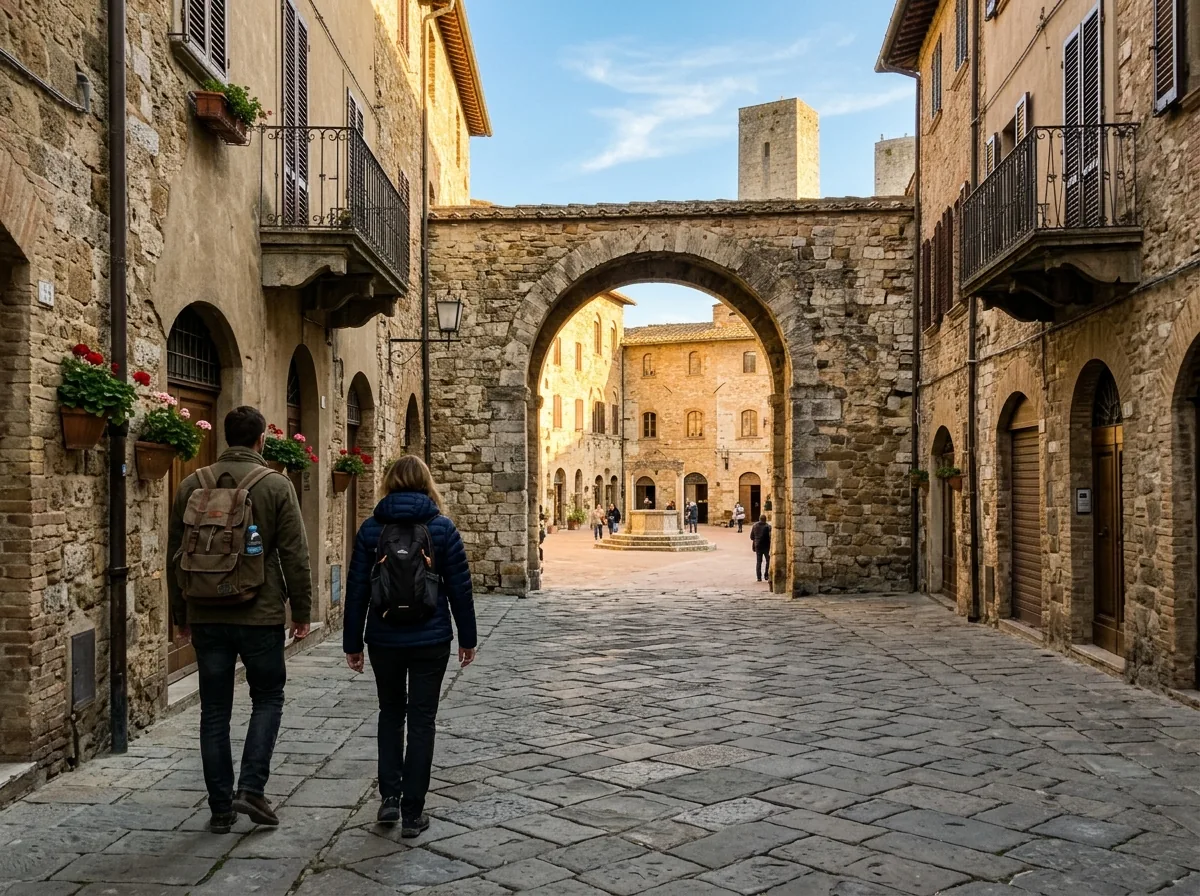
Clear distracting temporary street signs or accidental overlays from personal travel photography.
Three steps from cluttered snapshot to full-resolution export—no account or server queue required.
Drag any JPG, PNG, or WebP into the browser canvas—supports files up to 20MB with zero upload wait.
Paint over unwanted labels or click Auto-Detect Text to mark high-contrast caption areas automatically.
Slide between Before and After to verify clean surface continuity, then export full resolution free.
Details on client-side WebGPU/WASM privacy, IndexedDB caching, and full-resolution downloads.
ClearFrame AI is built for legitimate retouching of photos you own or hold permission to edit—such as removing accidental camera overlays, sticky notes, date stamps, or distracting background signage.