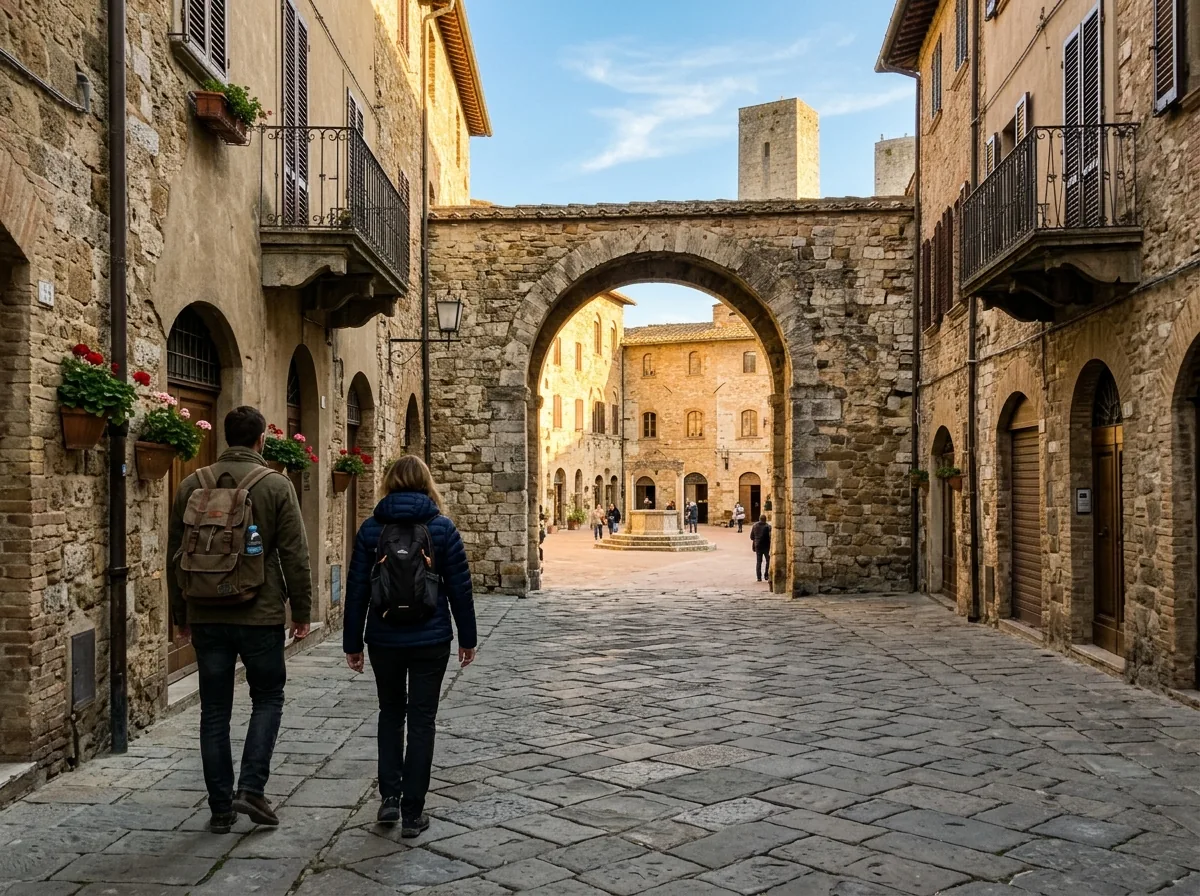
Before: Two pedestriansAfter: Empty archway view
Remove Background Passersby
Clear walking tourists from historic plazas and landmarks while preserving cobblestone alignment.
Brush away background passersby, messy desk cables, or blemishes in seconds. Everything runs locally on your device at zero cost.
JPG, PNG, or WebP up to 20MB. Runs 100% locally via WebGPU & WebAssembly with unlimited full-resolution exports.
Only the 2.5x context region around your brush stroke enters the 512×512 AI pass, keeping every untouched pixel at native clarity.
Clear walking tourists from historic plazas and landmarks while preserving cobblestone alignment.
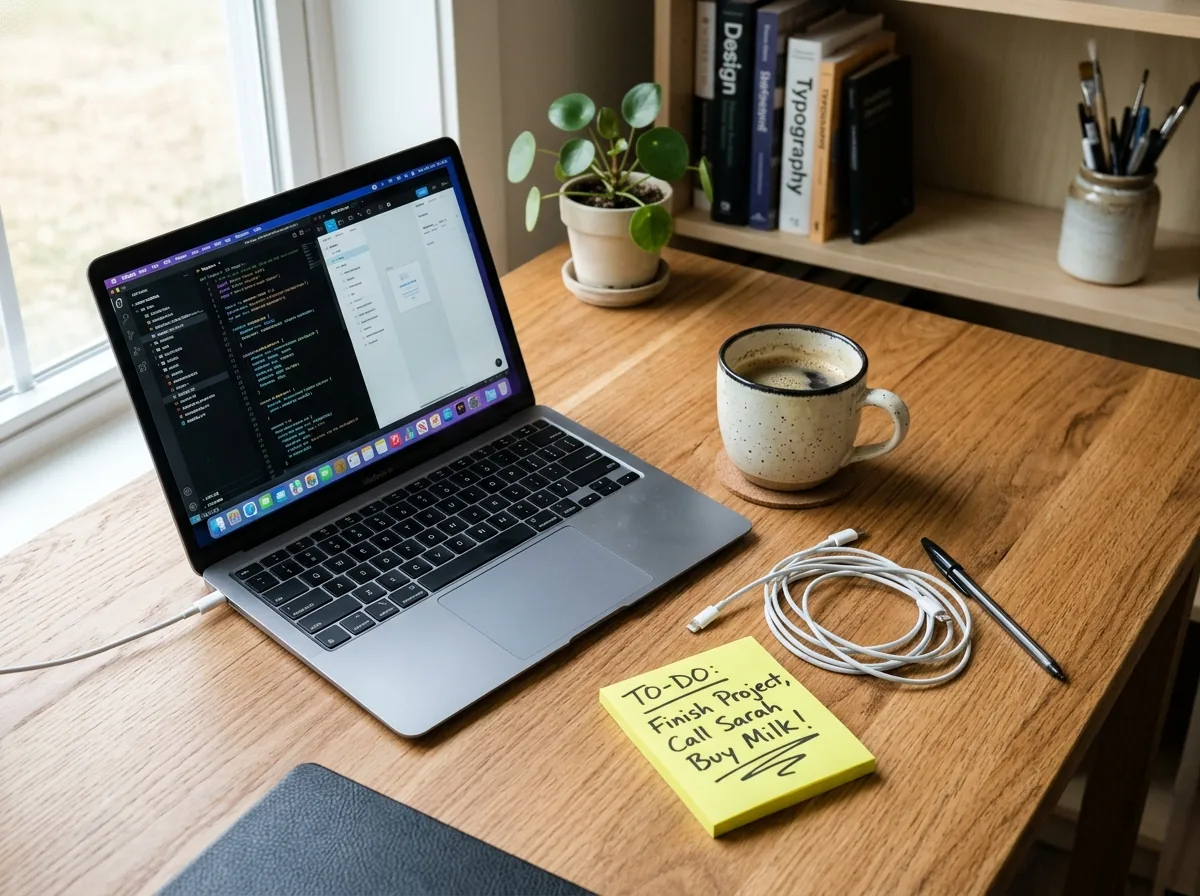
Brush over tangled charging cables, pens, or dust spots to produce crisp, distraction-free workspace photos.
Three steps from cluttered snapshot to full-resolution export—no account or server queue required.
Open any photo directly from disk or select the Street Scene sample to test object removal immediately.
Cover the object plus a small 2–4px margin around its edge so the AI samples clean surrounding background pixels.
Click Continue Retouching to erase multiple objects in sequence, then export at full original resolution.
Details on client-side WebGPU/WASM privacy, IndexedDB caching, and full-resolution downloads.
Yes. After erasing one object and checking the Before/After slider, click Continue Retouching to paint and remove additional objects seamlessly.