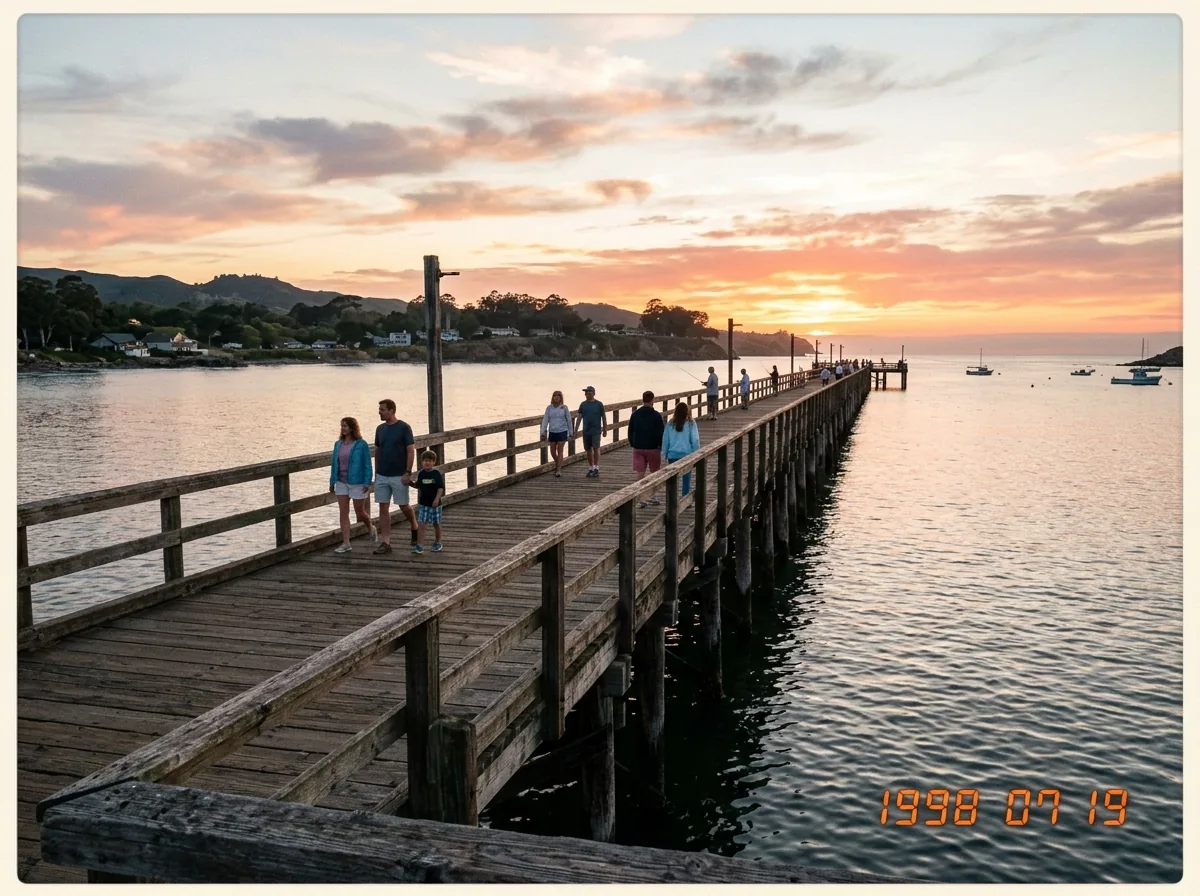
Before: Orange date imprintAfter: Natural water ripples
1990s LCD Orange Date Stamps
Automatically detect and remove glowing amber timestamps over water ripples, grass, or dark pavement.
Restore 1990s film scans and point-and-shoot snapshots locally in your browser. Auto-Detect Text finds corner timestamps in one click.
JPG, PNG, or WebP up to 20MB. Runs 100% locally via WebGPU & WebAssembly with unlimited full-resolution exports.
Only the 2.5x context region around your brush stroke enters the 512×512 AI pass, keeping every untouched pixel at native clarity.
Automatically detect and remove glowing amber timestamps over water ripples, grass, or dark pavement.

Our 2.5x Crop-to-Mask pipeline keeps every original film grain pixel outside the timestamp untouched.
Three steps from cluttered snapshot to full-resolution export—no account or server queue required.
Drop a high-resolution scan or click the 1998 Date Stamp sample above to preview the workflow immediately.
Use Auto-Detect Text to highlight corner LED timestamps automatically, or brush lightly over the digits.
Verify the texture match with the split comparison slider and save your restored photo in PNG, JPG, or WebP.
Details on client-side WebGPU/WASM privacy, IndexedDB caching, and full-resolution downloads.
No. ClearFrame AI crops only a 2.5x region around the timestamp for 512x512 inference and blends only the masked digits back onto the full-resolution original.